
Front desk
Bookings, arrivals, departures and the guest bill, from the dashboard or from WhatsApp.
The front desk is where your day starts: who is arriving, who is leaving, which rooms are free and what each guest owes. In ChatBeds you can do all of it on the dashboard at app.chatbeds.app, or by sending a short message to your hotel's WhatsApp number.
Both ways use the same rules. A booking typed in WhatsApp is priced, checked for clashes and logged exactly like one made on the dashboard. It also shows a Via chat badge, so you can see where it came from.
Where to find it
| Screen | What it is for |
|---|---|
| Calendar | The tape chart: rooms down the side, dates across the top |
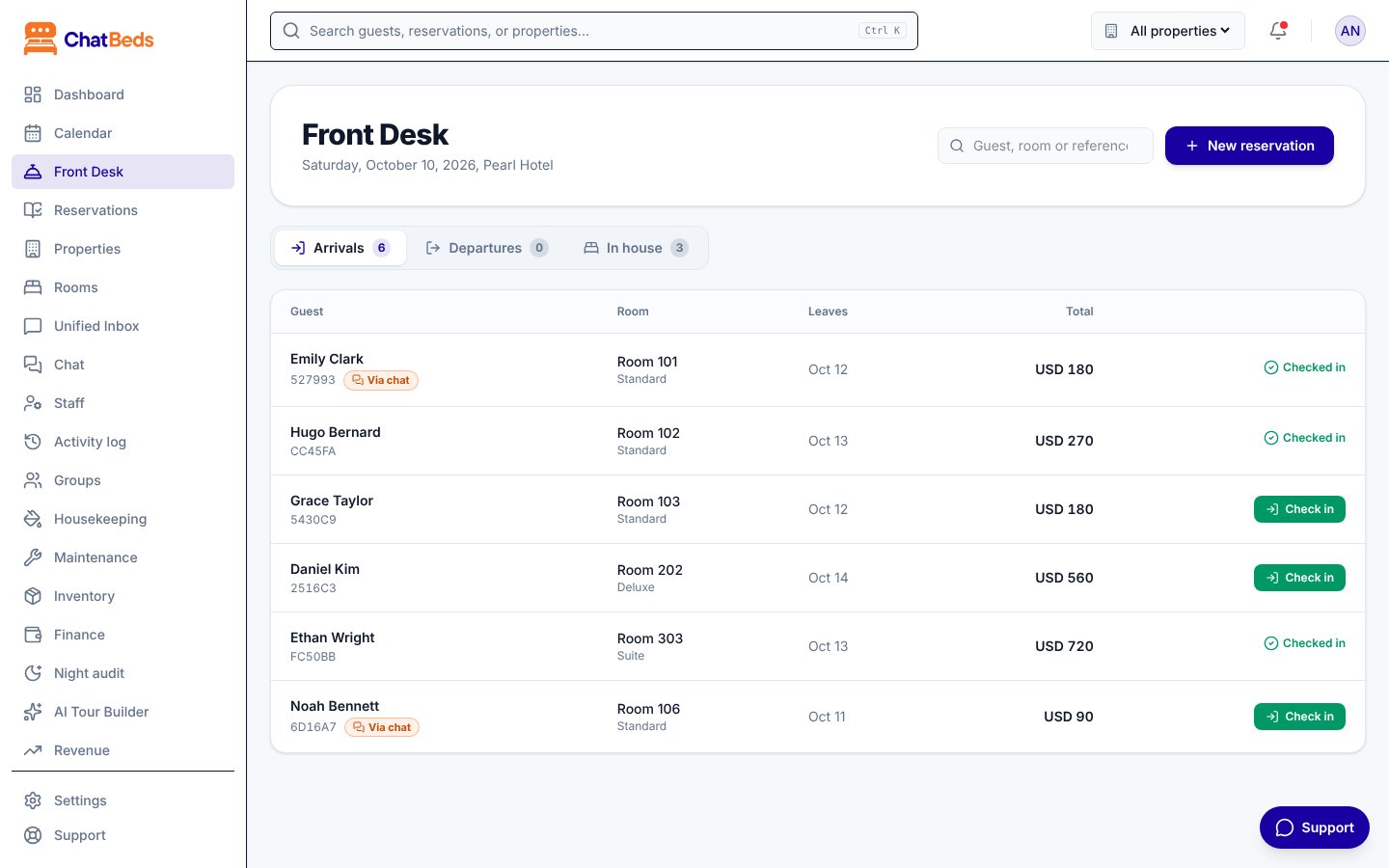
| Front Desk | Today's arrivals, departures and guests in house, with one-click check-in and check-out |
| Reservations | Every booking, with search and filters |
| Groups | An overview of group room blocks |
Click a booking anywhere and the same panel opens. It shows the stay, the guest, the money and the history, with all the actions.
Today is your hotel's day
Arrivals, departures and "free tonight" always use the date where your hotel is, not where the server is. Your hotel moves to the next day at its own midnight.
In this section
The tape chart
Read the calendar and today's numbers at a glance.
Bookings
Make, change, move, extend and cancel bookings.
Check-in and check-out
Arrivals, departures, early and late fees.
Walk-ins
Book and check in a guest at the desk in one step.
Groups
What the Groups page shows and how to book a group today.
Guests
Guest profiles and returning guests.
Folios and payments
The bill, extras, minibar, payments and payment links.
Still need help?