
Owner Portal
Run rooms or apartments for their owners, keep a commission, and give each owner a monthly statement and a private page.
If you run rooms, apartments or villas for their owners, the Owner Portal works out what each owner earns and what you pay them each month. Statements follow from the bookings by themselves. Each owner can also see their own figures on a private, read-only page.
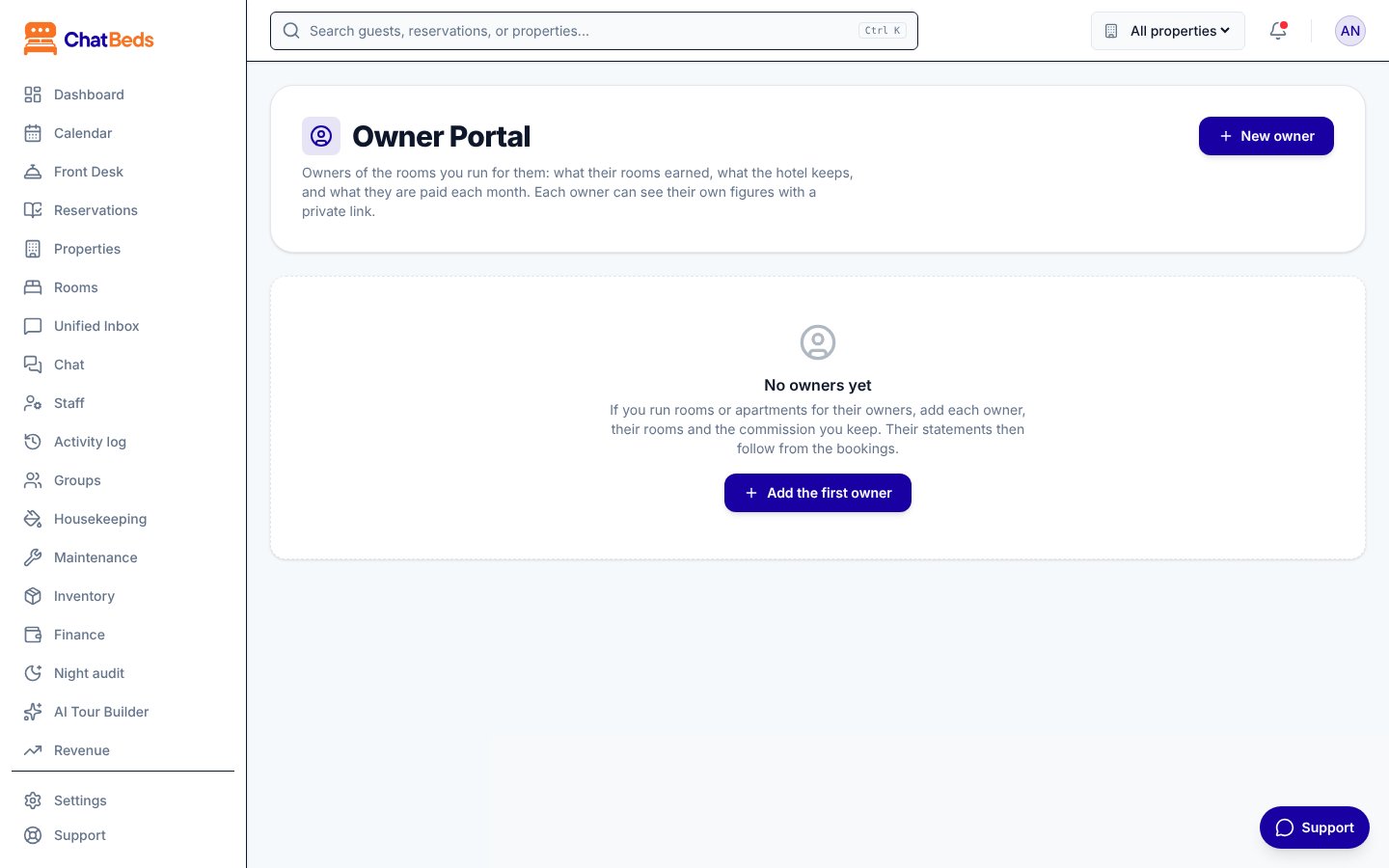
Add an owner
Create the owner
Go to Owner Portal and click New owner. Enter the Name, Email and Phone. You can add Notes too, like bank details. Only the hotel sees the notes. Click Add owner.
Save the owner's link
ChatBeds shows the owner's private link once. Click Copy link and send it to the owner. Keep it safe: it is shown only now.
Add their rooms and terms
Under Rooms and terms, click Add and choose a Room (or The whole property). Then set the terms below and save.
The terms
| Term | What it means |
|---|---|
| Commission % | What the hotel keeps |
| Taken on | All earnings, or Earnings after cleaning |
| Cleaning per stay | Charged to the owner for each stay that begins in the month |
| From and Until | When these terms apply. Leave Until empty for no end |
- A room has one owner at a time.
- New terms start on a date. Past statements keep the old terms.
- All of one owner's rooms use the same currency.
How the monthly statement is worked out
For each room on terms that month:
| Line | How it is worked out |
|---|---|
| Earned | Room nights, fees and extras from its bookings, on the night or day they are for. Tax is left out. |
| Cleaning | The cleaning charge × stays that began that month |
| Commission | Commission % × earned (or × earned less cleaning) |
| Payout | Earned − cleaning − commission |
The owner's payout is the total of their rooms' payouts, less any expenses charged to the owner that month (for example, a repair in their apartment). You charge an expense to an owner on Finance → Expenses. See Expenses.
Example
Daniel Moore owns room 301. The hotel keeps 20% of all earnings and charges $25 cleaning per stay. In October, room 301 earns $3,000 from 6 stays.
| Line | Amount |
|---|---|
| Earned | $3,000 |
| Cleaning (6 × $25) | −$150 |
| Commission (20% × $3,000) | −$600 |
| Payout | $2,250 |
If the hotel also charged Daniel $40 for a new kettle, his payout for the month is $2,210.
From draft to paid
Each month moves through these stages:
| Stage | What it means |
|---|---|
| This month so far | The month is still running |
| Not finalised yet | The month is over, and figures still follow the bookings |
| Finalised | You fixed the figures. They stay exactly as the owner was told, whatever happens to bookings later |
| Paid | You marked it paid, with a reference |
- Once the month is over, click Finalise next to it.
- Click Mark as paid and add a payment reference, like a bank transfer number.
- Until a statement is paid, you can click Reopen to work it out again from the bookings.
- Click Print or save as PDF to print the statement without the menus.
The owner's private page
Each owner gets a private, read-only page. It shows:
- the last 12 months and this month so far;
- the statement of any month;
- bookings coming up in their rooms (guests by first name and initial only).
The owner never sees your notes, other owners' rooms or other guests.
Manage the link
- New link makes a new link. The old one stops working.
- Turn off stops every link for that owner. Turn on brings the owner back.
The link is shown only once
ChatBeds does not store the link itself, so it can't show it again. If an owner loses it, make a New link and send that.
Who can do what
| Permission | What it allows |
|---|---|
| See the figures or Manage owners | See owners and statements |
| Manage owners | Add and change owners, terms and links; finalise, reopen and mark statements paid |
The built-in roles Owner, Admin and Accountant can manage owners. A login limited to some properties can't open the Owner Portal, because one owner's statement can cover several properties. See Roles and permissions.
Still need help?