
Multiple properties
Run several hotels from one ChatBeds account, switch between them, and see them all together.
One ChatBeds account can hold several properties. Each property keeps its own rooms, bookings, staff and WhatsApp number. You can look at one property at a time, or at all of them together.
Which plan you need
The Free, Essentials, Pro and Pay-as-you-stay plans include one property. To run two or more, choose the Group plan.
Group includes everything in Pro, plus the Owner Portal. It is priced on the rooms across all your properties. See Billing.
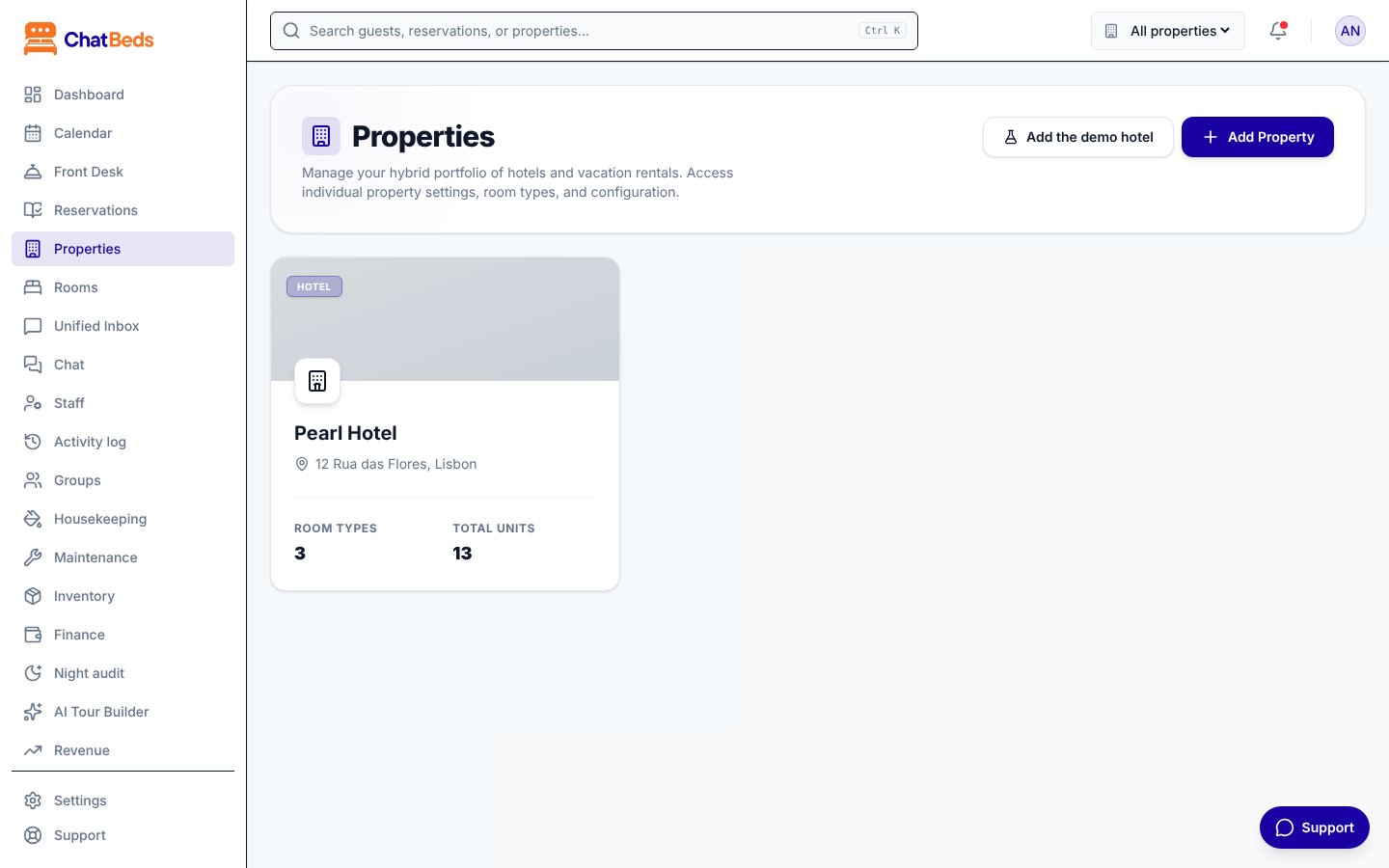
Add a property
- Open Properties in the sidebar.
- Click Add Property and follow the steps.
To add a property, your role needs Change the hotel's setup, and your login must be able to use every hotel.
Switch between properties
Use the property switcher in the top bar. It lists all your properties, plus All properties.
- Pick a property to work on just that one.
- Pick All properties to see everything together where a page supports it.
Some pages work on one property at a time, such as Staff, Housekeeping and the Activity log. If All properties is selected, they ask Which property? and show a button for each one.
See all properties together
- Calendar: with All properties selected, the calendar shows the rooms of every property.
- Analytics: the Portfolio Analytics page shows how each property is doing, from your own bookings, with occupancy and revenue for the month.
Each property is measured in its own currency and on its own local date. ChatBeds never adds up money in different currencies. Totals are shown per currency instead.
WhatsApp with several properties
Each property connects its own WhatsApp number, and has its own staff list.
- A message to Pearl Hotel's number only ever acts on Pearl Hotel.
- Staff of one property cannot send commands to another property's number. If Olivia works at both, add her to both staff lists.
See Connect your number.
Give people access to some properties only
When you invite someone or change their login, choose Every hotel, including hotels added later or Only these hotels. A login limited to some hotels sees nothing of the others. Owners always see every property.
For example, Noah manages the front desk at one hotel only. Give him the Front desk role and tick just that hotel. Details are in Roles and permissions.
Still need help?